Build a project
Step-by-step guides with real photos, verified wiring, and exact parts. Progress saves in this browser.
The first six guides are in review
No guides are published yet. The first six are in review.
FlintMinds is a free robotics initiative for students. Build from guides written by the students who made each project work, then share your own.
Every program is free. Reading guides needs no account.
Step-by-step guides with real photos, verified wiring, and exact parts. Progress saves in this browser.
Built something that works? Share your wiring, code, and test results to help others reproduce it.
Volunteer to review student robotics guides and provide constructive technical feedback.
Listed easiest first. Each project builds on concepts from the one before it.
Wire up your first circuit and write the code that makes a light blink on and off.
Control a small motor with code and turn it to exact angles, just like a robot arm.
Use an ultrasonic sensor to measure distance and trigger an alarm when something gets too close.
Combine a sensor and a servo to build a gate that opens automatically when a car arrives.
Build a robot that steers itself by continuously reading sensors and following a taped line.
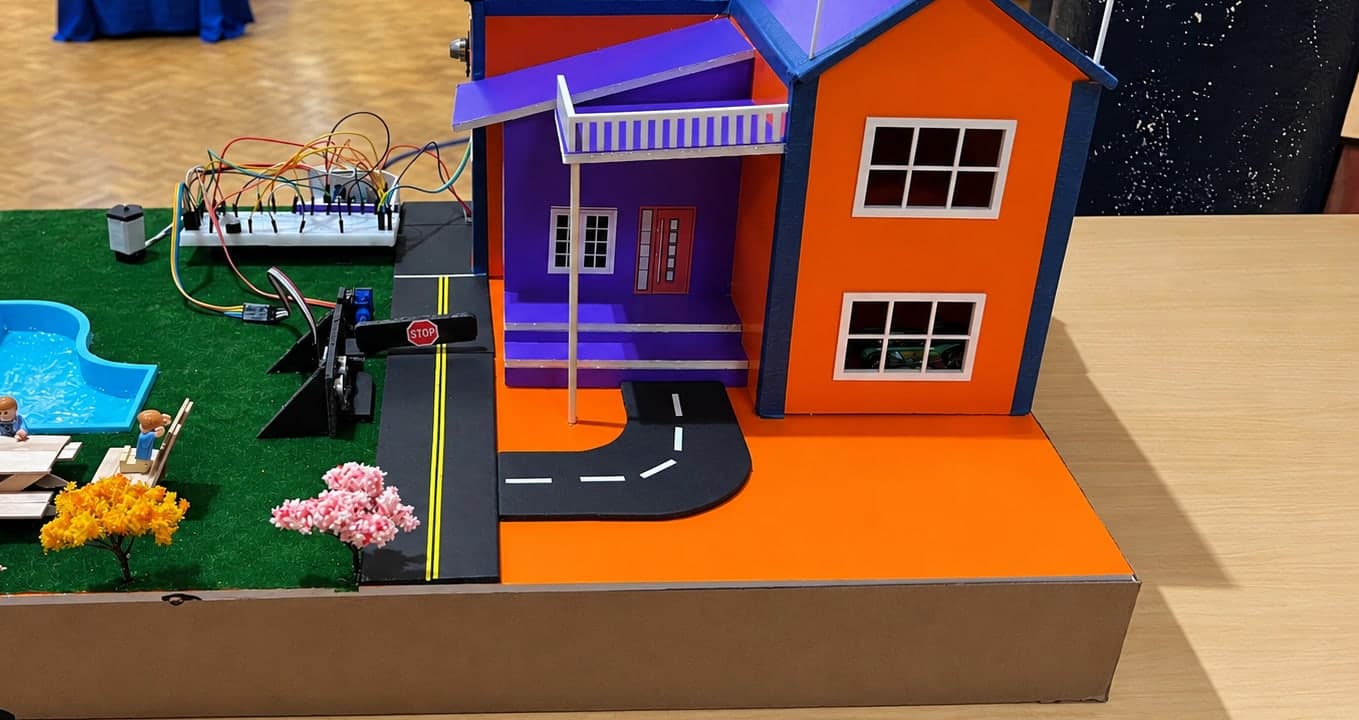
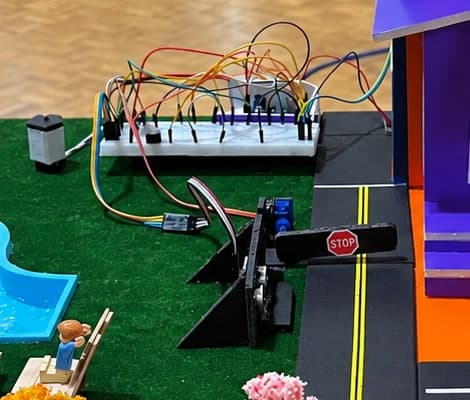
Build a scaled-down smart home model that combines sensors, status indicators, and an automated entry barrier into one coordinated system.
Build a scaled-down smart home model that combines sensors, status indicators, and an automated entry barrier into one coordinated system.
The guide is in review. It opens here once a reviewer has checked the build.
The sensors report what is happening in different parts of the model.
Your code reads those inputs and keeps track of the system's current state.
The LEDs and automated barrier respond based on what the sensors detect.
All of the sensing, logic, and outputs run together continuously as one coordinated smart-home system.
Every guide is written by the student who built it and checked against the real hardware before publication. Free to read, no account required.
Share your parts, wiring, and code to help the next student reproduce your build.